








We've rolled up updates to the Feedback feature — a new Pin Tool for creating feedback, plus keyboard shortcuts for switching between tools.
1. Pin Tool added for creating feedback
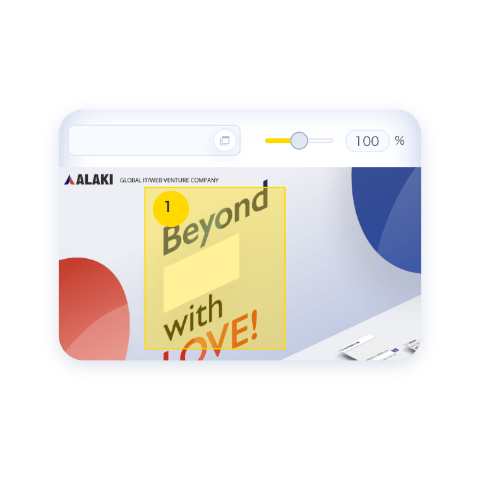
Click anywhere to drop a pin and leave a comment right on the spot. It's perfect for flagging a precise point — just point to "fix this, right here." Want to flag a wider area instead? The Area selection tool, which draws a box, works just like before.

2. Keyboard shortcuts
You can now switch between the tools for creating feedback — like the Area selection tool and the Pin Tool — straight from the keyboard, so there's no reaching for buttons with your mouse and adding one comment after another stays quick and smooth.
- Area selection tool — Option (Alt) + 1
- Pin tool — Option (Alt) + 2
- Hand-drawn marker tool — Option (Alt) + 3
- Proofreading marks tool — Option (Alt) + 4
- Good Job (Like) tool — Option (Alt) + 5
All of these are available from the Feedback feature. For details, see the Feedback page.