


Q.01
Can I edit the scanned text?
You can review and edit it before posting. Since you can edit the scan result, you can create accurate feedback with confidence.

The philosophy, vision, and future MONJI+ aims for
Power your results with AI, data, and teamwork. All you need for web operations in one platform



Find issues, fix them, and drive improvement

AI and teams working together

Build a strong team that doesn’t depend on individuals
Security that protects your team's important data

Core features that power your WebOps
Maximize the results of your WebOps with MONJI+
Key Topics
Key Topics
Key Topics
Key Topics
Key Topics
Key Topics
Choose the best plan for your team size and goals
Your go-to support page for troubleshooting and getting the most out of MONJI+
Easy-to-follow guidance from basic operations to advanced features of MONJI+.
Popular Guides
Find answers to frequently asked questions and solutions to common issues.
Top Questions
A co-creation development program that evolves MONJI+ together with our users.
If you have any questions or concerns, please feel free to contact us.
The actual screen
Hand-typed comment
Free consaltation hear
Spot the copy to fix
You spot the part to fix on a screenshot.
Type it out manually
You retype the on-screen copy into a comment, character by character.
Make a typo
Omissions, inconsistencies, and conversion slips creep in.
It drifts
The feedback drifts from the real thing, so review starts over.
It's not just input time you want to cut.
Transcription errors, typos, drifting edits, and checks scattered across chat or voice all cause rework.
The more you type by hand, the more typos and omissions creep in. With Text Scan for feedback, scan the text into a comment, review it, then turn it into feedback.
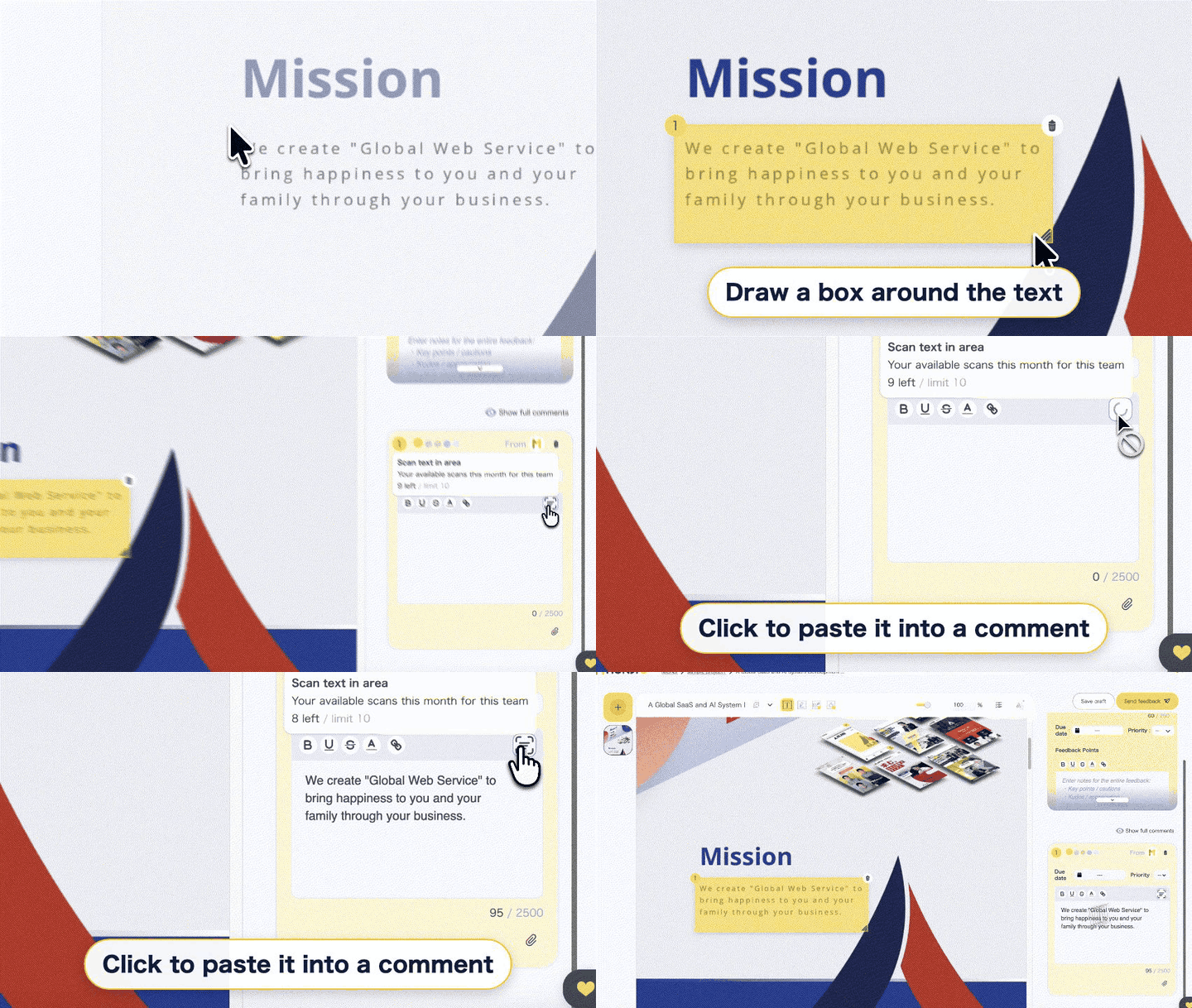
Just draw a box around the text you want to fix.
Even for long passages, no hunting and re-selecting.
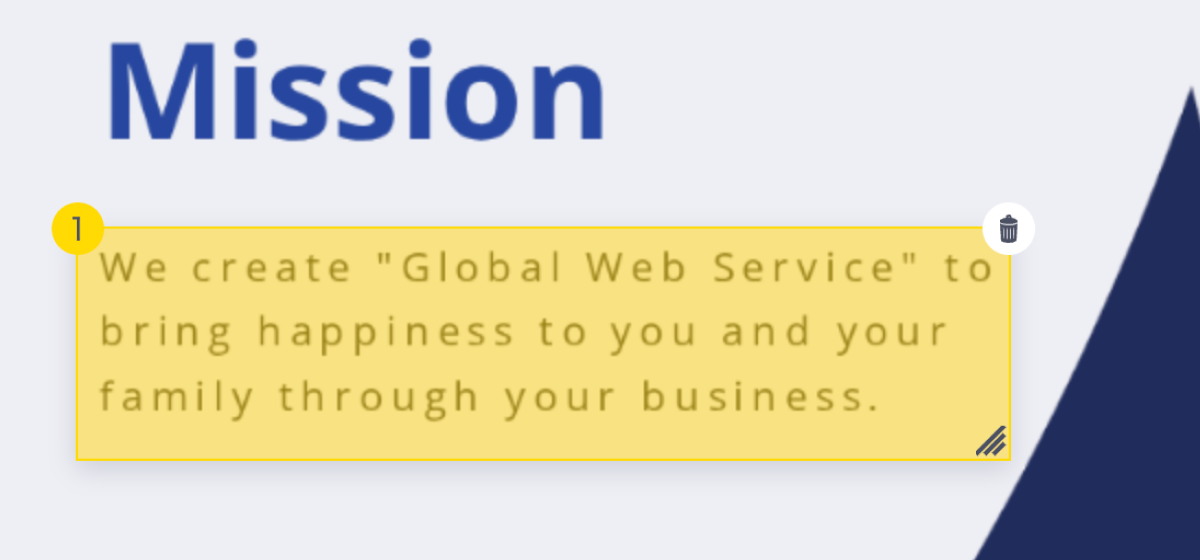
Click the Text Scan icon in the comment box, and the boxed text drops straight in.
No manual typing, so you avoid transcription errors and typos.
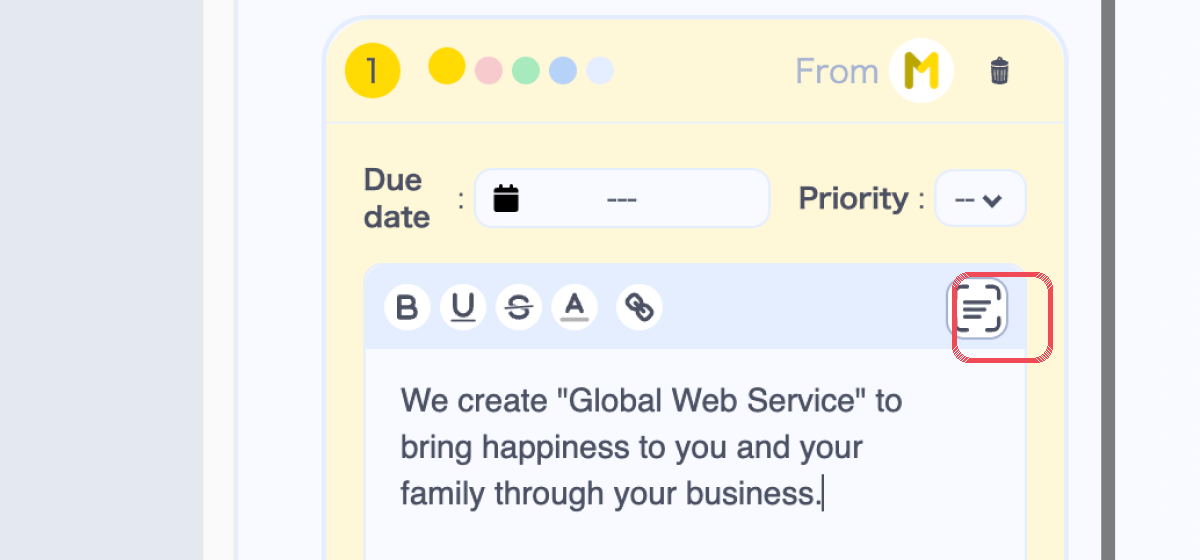
Scan it with
Text Scan
 No need to retype text inside the imageCreate feedback fastEasier to leave a comment that lands
Scanned text can be kept as a feedback comment.
Scenario
Create feedback from screenshots sent by clients.
Benefits
Scenario
Share LP and banner copy edits with the production team.
Benefits
Scenario
Send internal-review edits to your production partner.
Benefits
Q.01
You can review and edit it before posting. Since you can edit the scan result, you can create accurate feedback with confidence.
Q.02
Scan accuracy isn't guaranteed to be 100%—depending on the image, the text may not be read correctly. That said, you can review and fix it before posting, so even when it's not perfect, you finish faster and more accurately than by typing.
Q.03
You can just fix it in the comment field. Since you only correct the parts it missed, it's less work than retyping everything.
Q.04
Yes, it can read English too. Since it turns the text in an image into a draft regardless of language, it cuts retyping even for copy that mixes in English.
Q.05
As long as it fits inside the box you draw, it can be scanned. For long text you can scan it in sections, so there's no burden of retyping it all at once and you can create feedback for long copy quickly.
Q.06
No—it does not update automatically. MONJI+'s Feedback feature is for communicating fixes, so it has no feature to edit your website directly. You apply the changes yourself, so you always review the content before publishing.
The next time you create feedback, try it
without typing the screenshot text by hand.
Available from the Feedback feature after you create an account.
30-Day Free Trial
Start your 30-Day Free Trial
Choose the plan that fits your team
There's also a Free plan with core features free forever
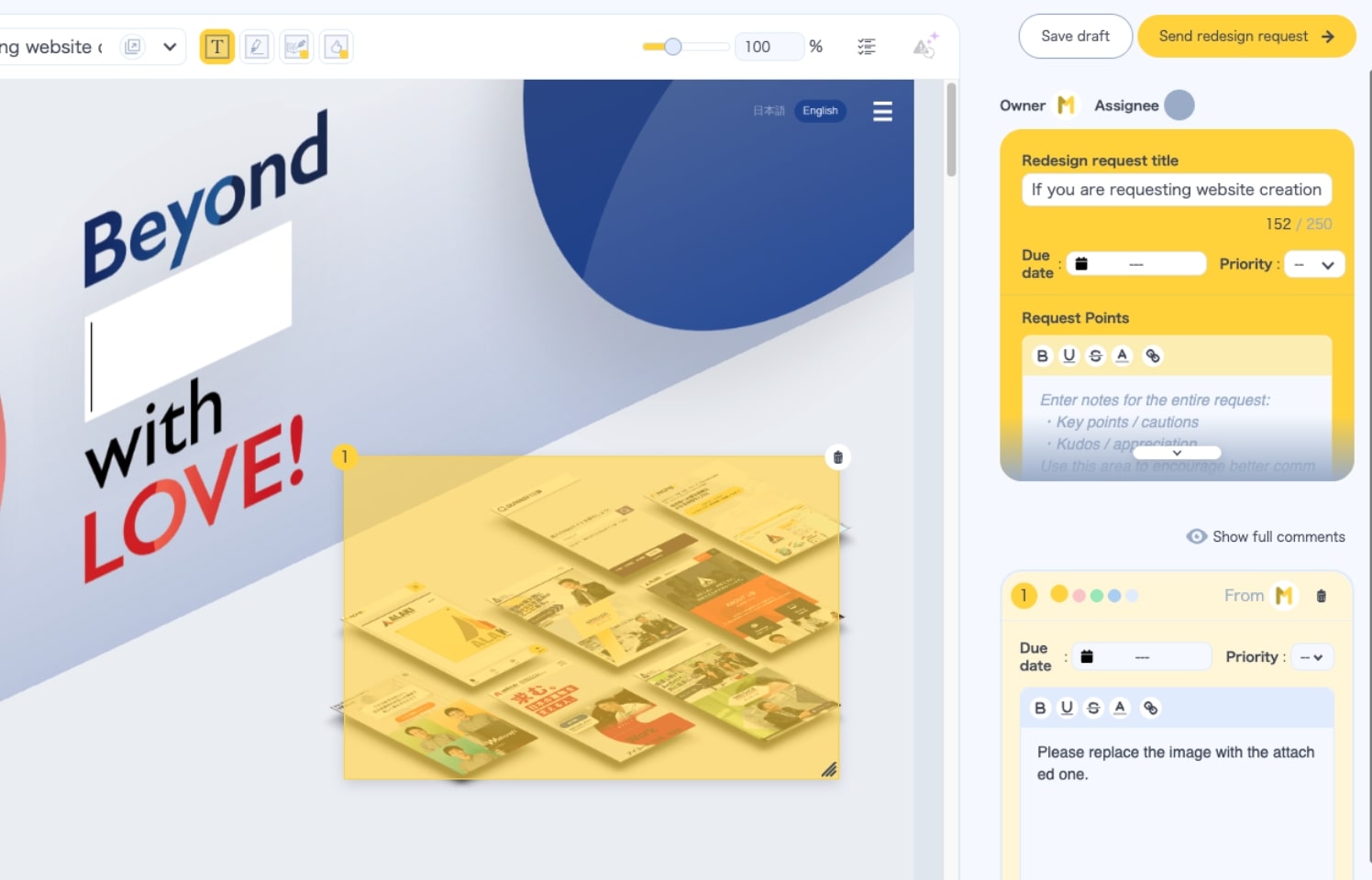
Load a URL and comment right in the browser. Manage edits, details, and progress in one place.
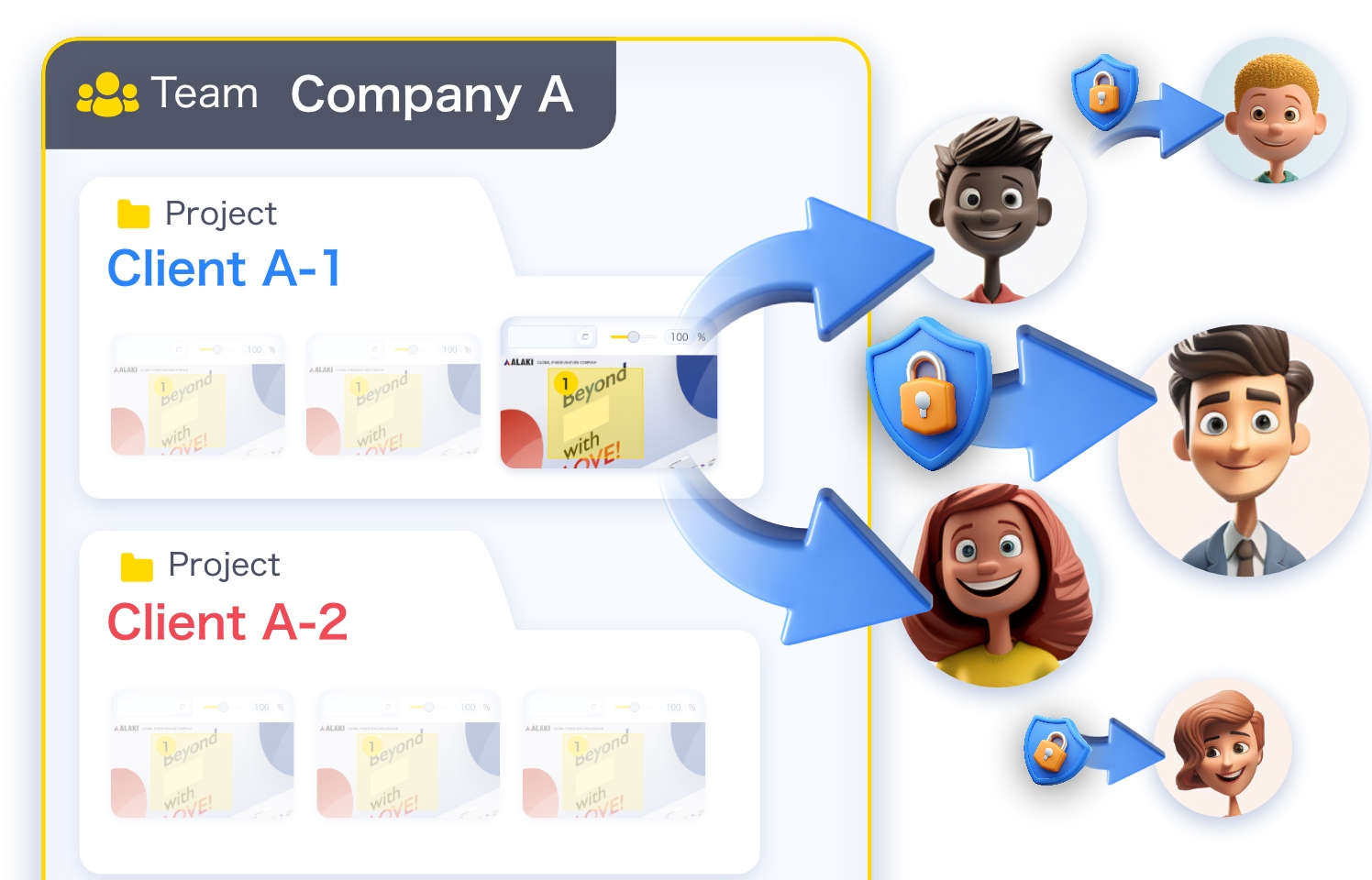
Share and view feedback even without an account or team/project membership.
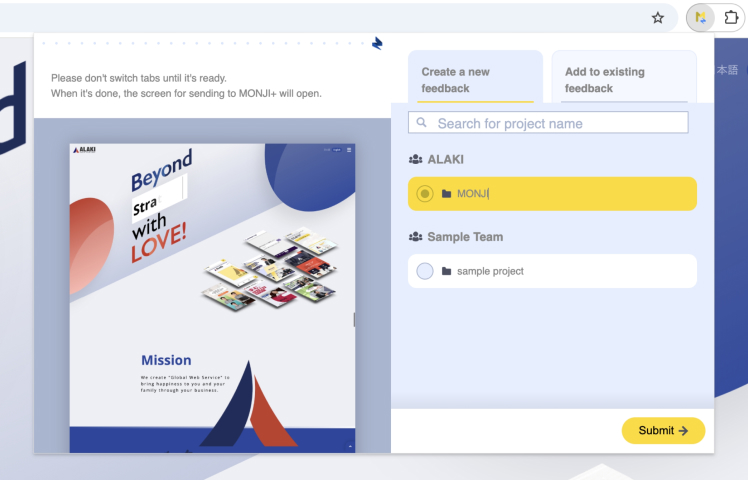
Works on pages behind login too—faster, smoother feedback.
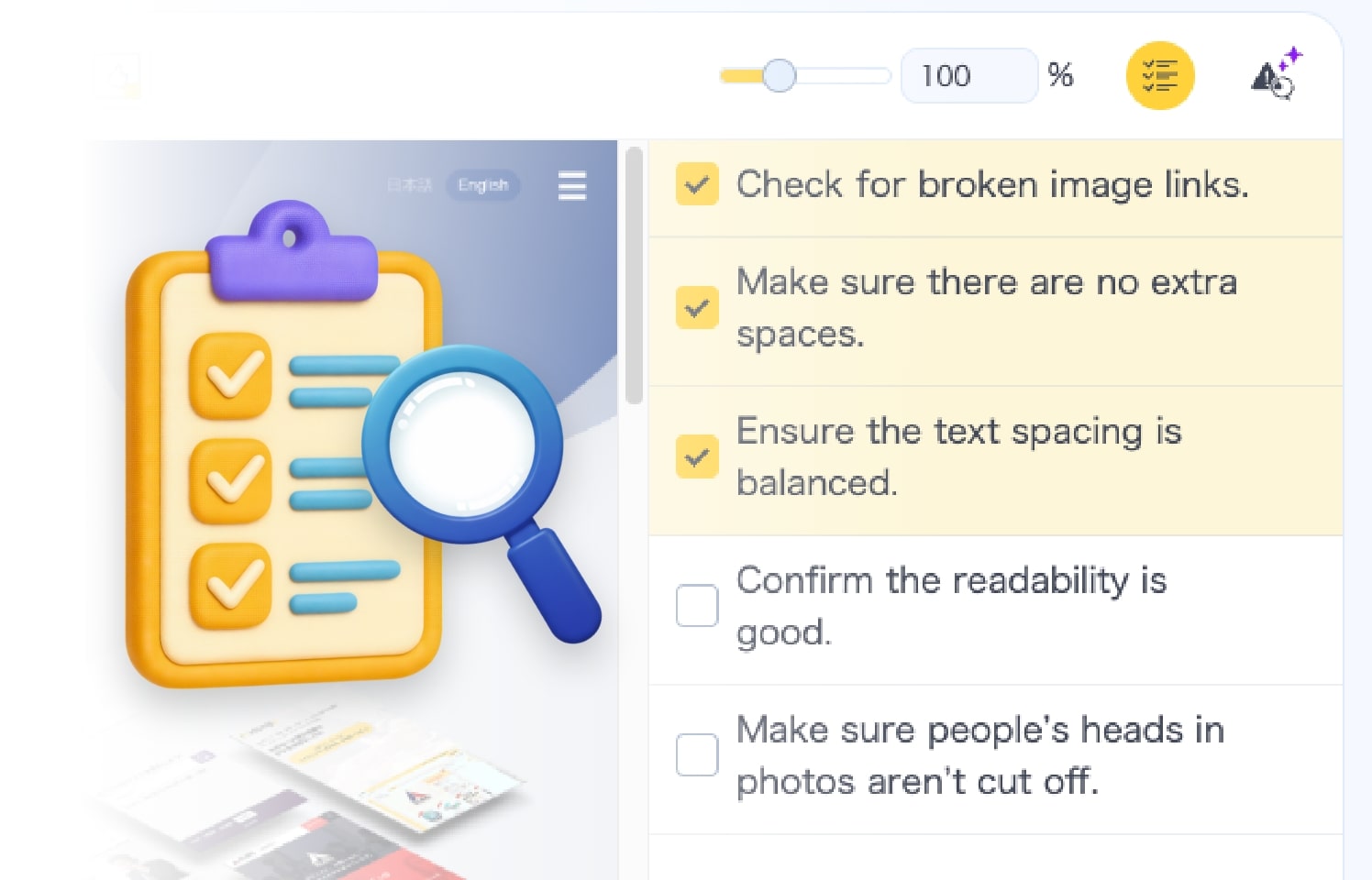
Build feedback alongside a checklist. Keep deliverables at consistently high quality.
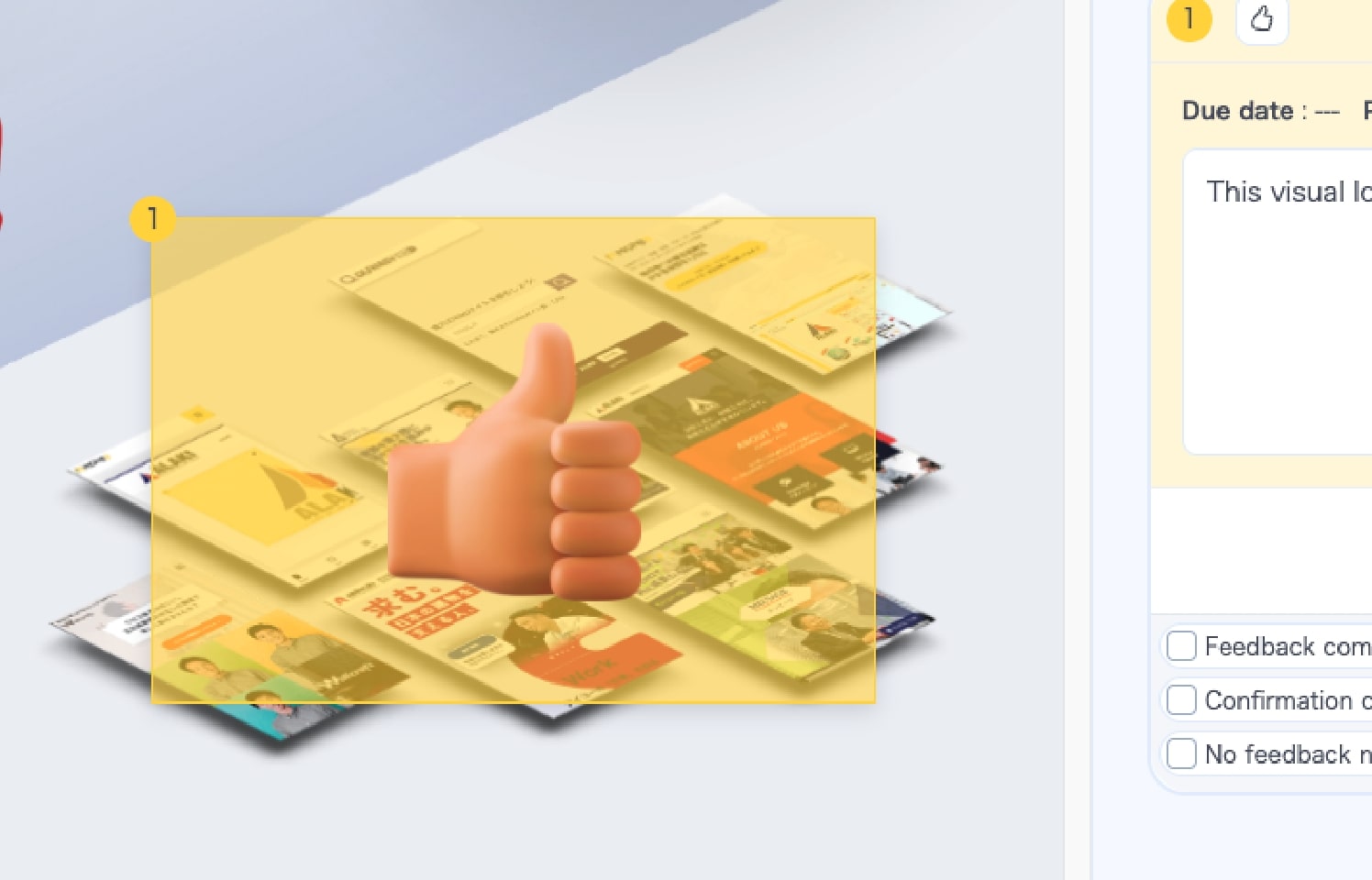
Send three-tier stamps—Excellent, Great, Good—to celebrate great design.
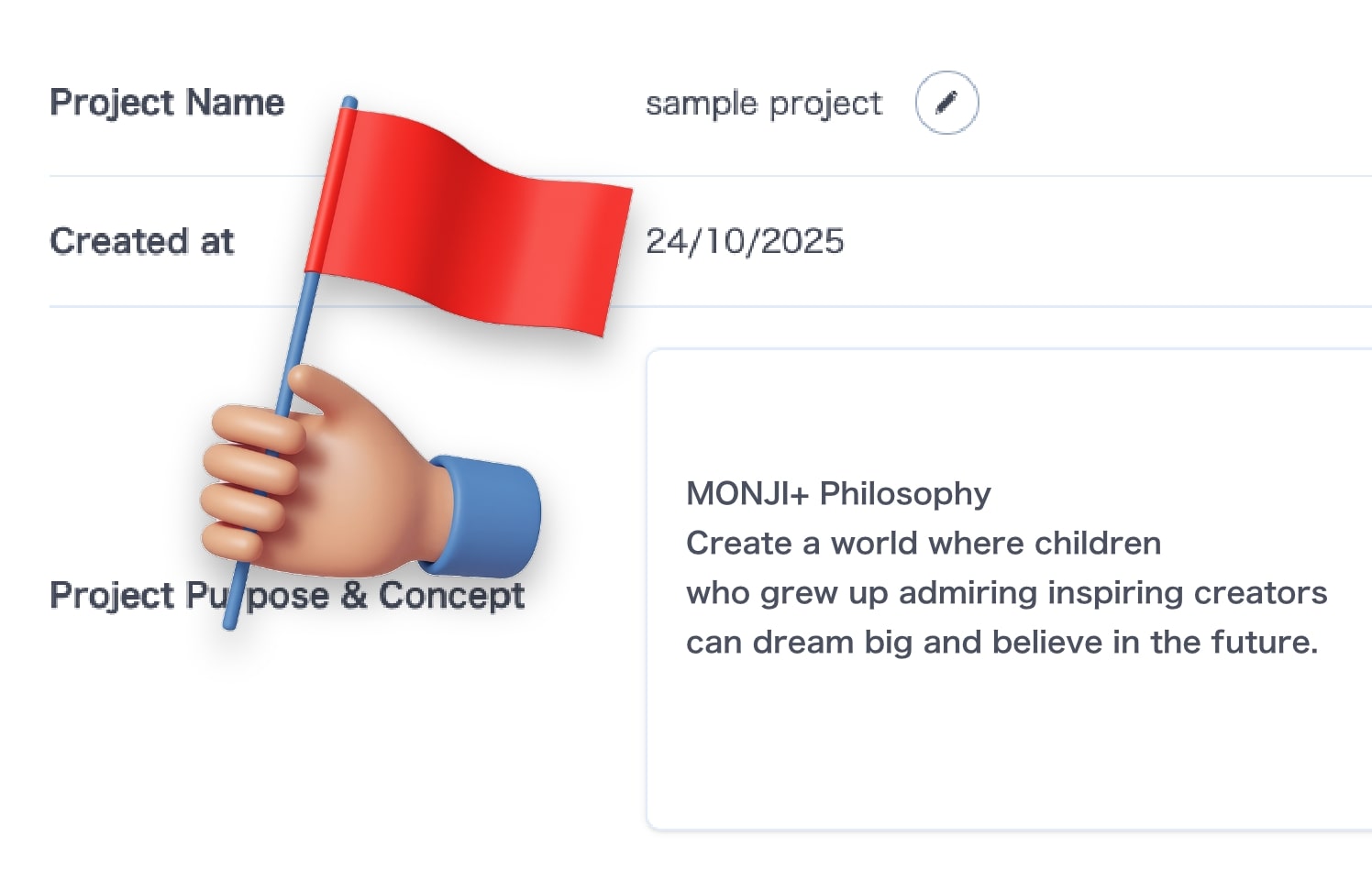
Document and share with the whole team. A clear goal keeps everyone moving forward.
